Give each branch its own responders
Route incident alerts through the people responsible for that branch. Add backups in order, with corporate contacts available after the branch list.
GuardDog for construction fleets
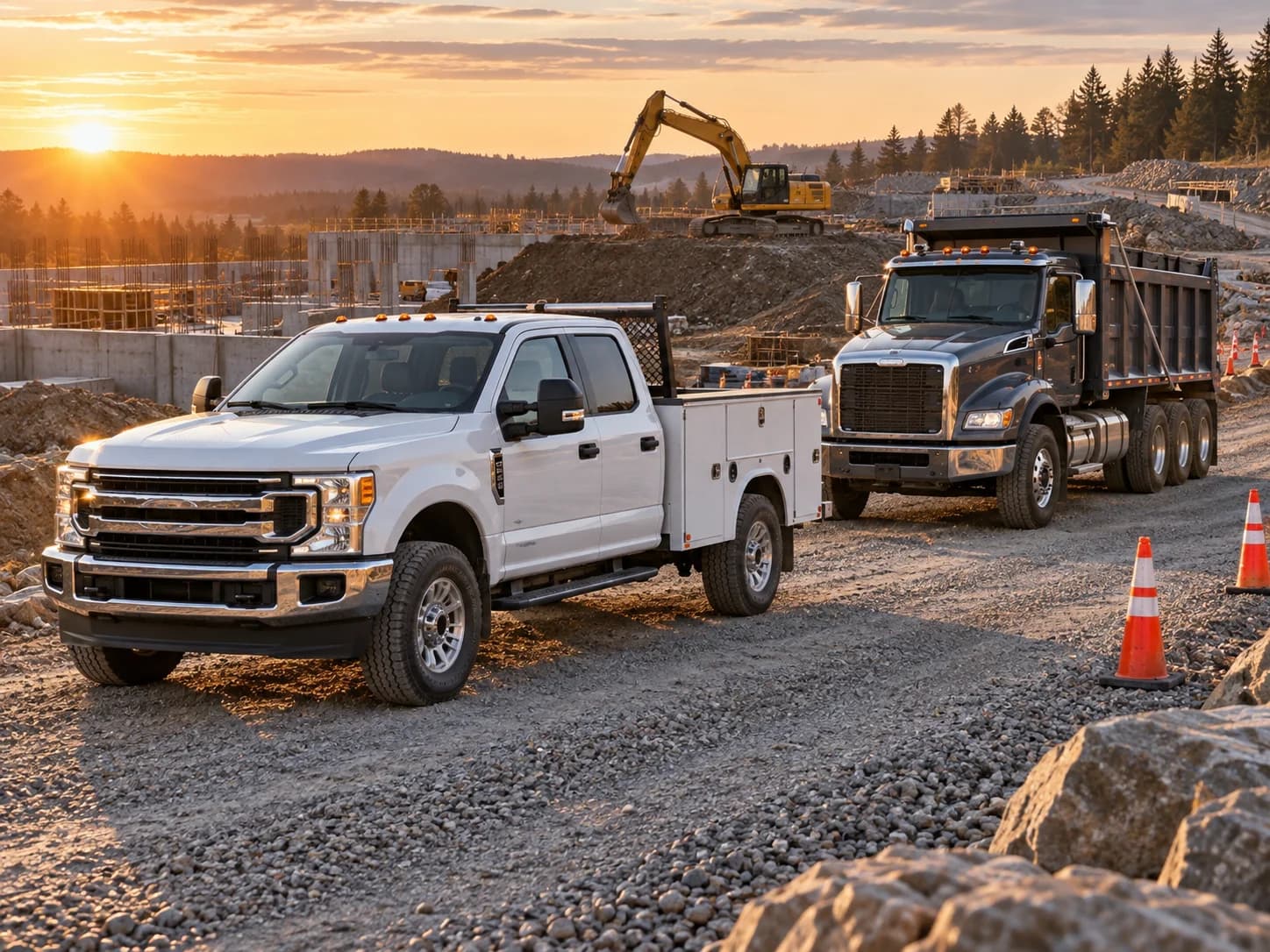
When a fleet camera flags a collision or distracted driving, GuardDog texts your branch contacts and calls if they don't acknowledge. Your response plan goes where the work goes.
After the camera alert
GuardDog receives events from your camera provider, checks your alert rules, and starts with a text to your contact.
Route incident alerts through the people responsible for that branch. Add backups in order, with corporate contacts available after the branch list.
Set alert categories for the organization, then adjust branches and units. Leave lower-priority detections in Events for later review.
Branches can control whether parked-vehicle events may place paid calls. Check this alongside your event categories for equipment that spends time stationary.
Open the incident to see its status, communication attempts, and available footage. An acknowledged alert records a response; an unresolved incident still needs attention.
See the workflow before you connect
Watch short recordings of the real application, then follow the setup guide for your fleet.
Watch and learnPut your response plan to work
Connect your cameras. Choose your contacts. Let GuardDog start the follow-up.